









BOQ software for architects — and why most of it is built for contractors
Search for BOQ software and you mostly find contractor estimating tools. They solve a related but genuinely different problem, which is why they feel wrong in an architect's hands.
Search for BOQ software and almost everything you find is estimating software for contractors. It is good software. It is also solving a different problem, and the difference explains why it feels subtly wrong when an architect tries to use it.
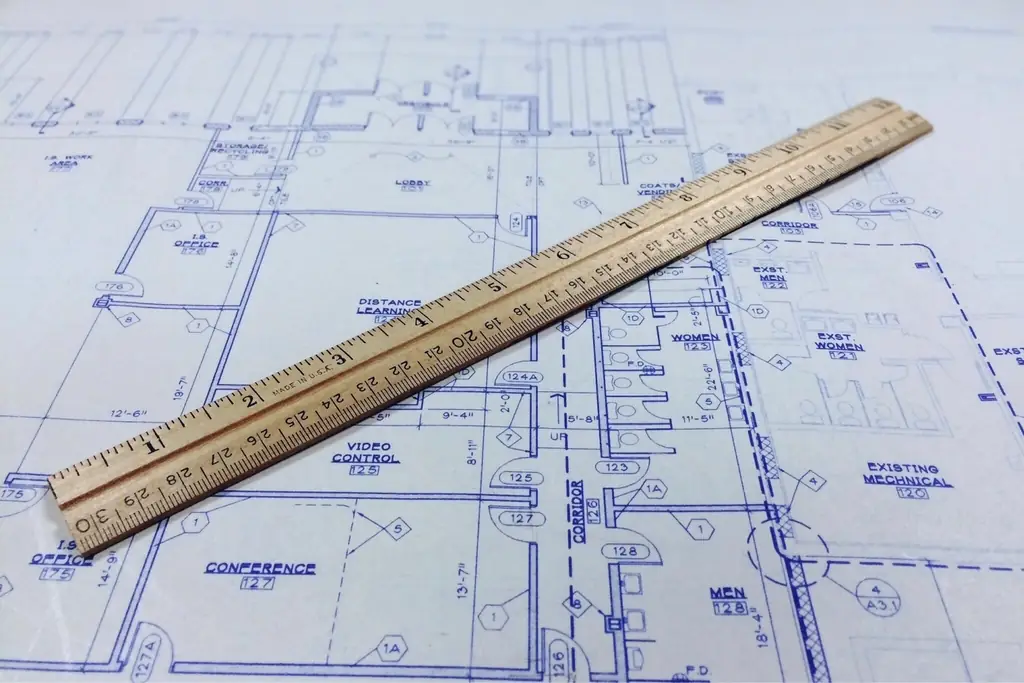
Two jobs that look identical
A contractor builds a BOQ to price a tender. The goal is to win at a margin, so the tool optimises for speed of pricing, supplier rate comparison, markup control and bid assembly.
An architect builds a BOQ to document scope. The goal is a defensible statement of what is being built and what it should cost, that the client agrees to and that survives contact with the site.
Same document, opposite purposes. Software written for the first assumes you already know the price you want to reach. Software written for the second has to assume the quantity is the truth and the rate is a reference.
What an architect's BOQ tool actually needs
- 1Quantities that belong to the project, not to a file — so a design change updates the BOQ instead of orphaning it.
- 2Volume groups, so quantities aggregate the way the building is actually organised rather than as a flat list of 400 lines.
- 3A reusable rate library, because you price similar things repeatedly and retyping rates is how errors enter.
- 4A route to procurement. A BOQ that cannot become a purchase order forces a retyping step, and retyping is where a decimal point moves.
- 5Revision awareness. When the design changes, you need to know which BOQ lines moved and what that did to the total.
- 6Export the client will accept — usually Excel, whatever the software prefers.
The options, honestly
Excel
Still the most-used BOQ tool in the profession, and for defensible reasons: total flexibility, universal literacy, no licence, and every client can open it.
The limits are equally well known. It is disconnected from the project, so it goes stale silently. There is no revision history worth the name. It does not become a purchase order. And a formula error in a 400-line sheet is genuinely difficult to see.
If your practice does one or two projects at a time, Excel is a rational choice and you should not feel bad about it.

Contractor estimating software
Powerful take-off, deep rate databases, strong bid assembly. If your practice also tenders for construction it may genuinely suit you. If you only document scope, you will use a fraction of it and fight its assumptions about markup and margin.
Quantity surveying packages
Built around measurement standards, and correct in a way that matters on large or public work. Usually priced and shaped for a dedicated QS rather than for an architect who produces BOQs among twelve other responsibilities.
Practice software with a native BOQ
The smallest category, and where Ofivio sits: the Planning & QS module in Ofivio AEC. The BOQ lives inside the project alongside the drawings, the procurement and the fee — so it cannot drift out of step with them, and a line can become a purchase order without being retyped.
How to choose
| If you… | Then |
|---|---|
| Produce one or two BOQs a year | Stay in Excel |
| Also tender for construction work | Contractor estimating software |
| Work on large public projects to a measurement standard | A proper QS package |
| Produce BOQs regularly AND procure from them | Practice software with a native BOQ |
Ofivio imports your existing Excel BOQ, so testing it does not mean rebuilding anything.
See how the BOQ works →BOQ software where the bill is data, not a spreadsheet with a nicer border
A native bill of quantities with volume groups, a reusable rate library and a direct line to purchase orders and certificates — not a spreadsheet import.
SolutionsQuantity surveying software for the people who have to defend the number
Take-off, rate analysis, tender pricing, variations and measurement against work in place — the QS desk as a system rather than a folder of spreadsheets.
Buyer's guidesChoosing quantity surveying software you can still defend a year later
Take-off, rate build-ups, tender pricing, variations and valuation — the four categories of QS software, what each optimises for, and who each actually fits.
The best architectural practice management software in 2026
Most 'best software for architects' lists compare marketing pages. This one compares the five things that actually determine whether a tool fits an architecture practice — and is honest about which practices we're the wrong answer for.
FinanceWhy generic accounting software mishandles an architecture practice
The root problem is the dual fee. Software that assumes a single revenue stream forces you to choose which half of your practice gets measured properly.